

Every MSP estate leans on ping monitoring somewhere; cameras and sensors, kit on customer networks you don’t control and devices where an IP address is all you’ll ever have. The check itself is simple. It the device up? Is it slow? Is it down?
The problem with ping monitoring is where it usually lives: a standalone monitoring tool sitting outside the platform that runs the rest of the service, with its own logins, its own noisy alerts, only a few weeks of history and nothing your customers can see. Highlight’s new ICMP Polling feature brings that workload onto the monitoring and service observability platform for MSPs.
From legacy technologies to coffee machines
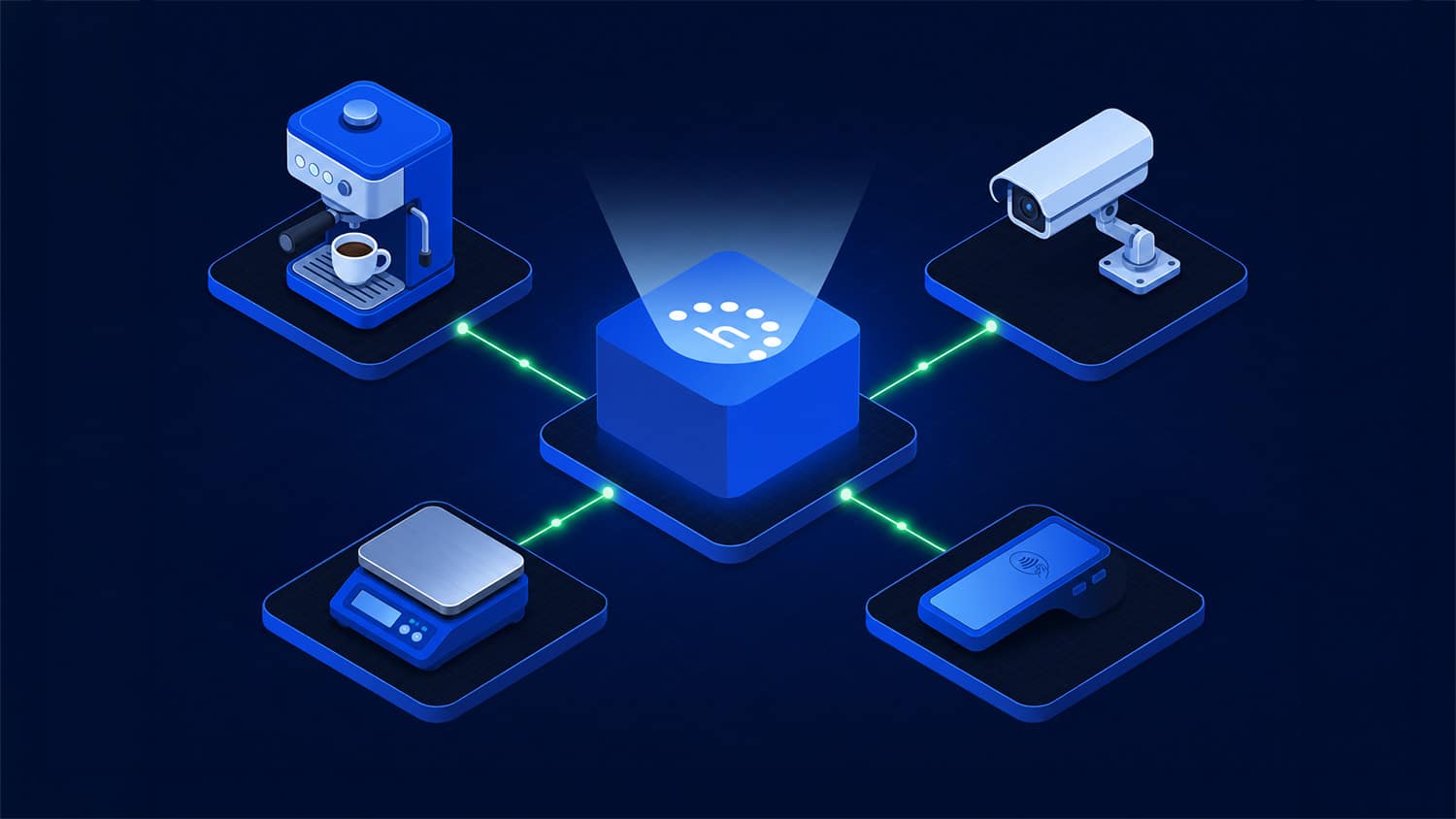
If it has an IP address and answers a ping, Highlight can watch it. That pulls a long tail of equipment into view: coffee machines, payment terminals, refrigeration units, legacy kit that predates modern management, devices where nobody can share credentials, and the niche hardware no vendor ever built an SNMP or API integration for. Highlight logs each one as a generic device and watches it like anything else.
One estate, one view – including the customer’s
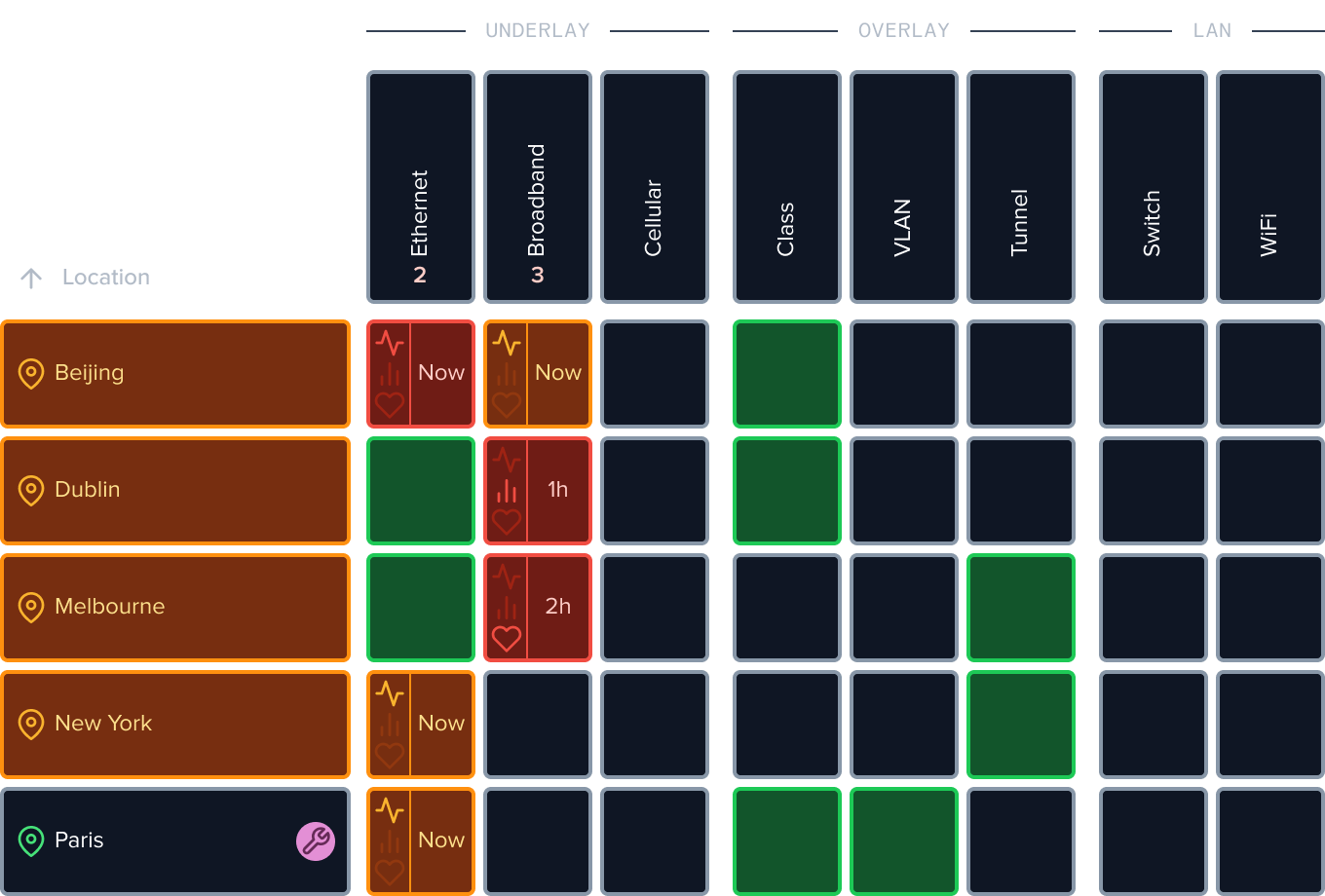
Ping results are monitored at one-minute poll periods and land like any other Highlight watch. They sit in the same multi-tenant environment, incorporated into Highlight’s Insight UI using Heat Tiles and Grid View alongside your SD-WAN, WiFi and everything else you run. They keep 366+ days of history rather than a few weeks, and they feed the same scheduled daily, weekly or monthly reports. Because Highlight is multi-tenant by design, your customers can log in and see the curated view of their own estate – a shared view basic monitoring tools were never built to offer.
Set up in minutes
Upload a CSV of IP addresses or hostnames, with optional names and locations. Currently, Highlight creates the locations and starts pinging each device at 1-minute poll periods: a reply inside a predefined limit is healthy, a slow one shows as a health issue, and no reply inside a second marks the device down. Sensitivity settings decide how quickly each watch reacts, so one flapping device doesn’t wake the whole NOC.
Already a partner?
If a separate ping tool is still running somewhere in your estate, this is the feature that retires it – and an entry tier for bringing new customers or new classes of device onto the platform, with a clear step up to SNMP, API and performance-test monitoring when they need more depth. Available now in release 26.6, setup detail is in the help and support centre, or bring a CSV to a session with your account manager and watch the estate go live.
Thinking about a move?
If isolated ping monitoring is where your current tool starts and ends, Highlight covers that job and everything around it. With renewal costs climbing across the monitoring market, it’s a good moment to look at a platform that starts simple and grows with your service offer. Get in touch and we’ll set up a 14-day trial on your own estate.